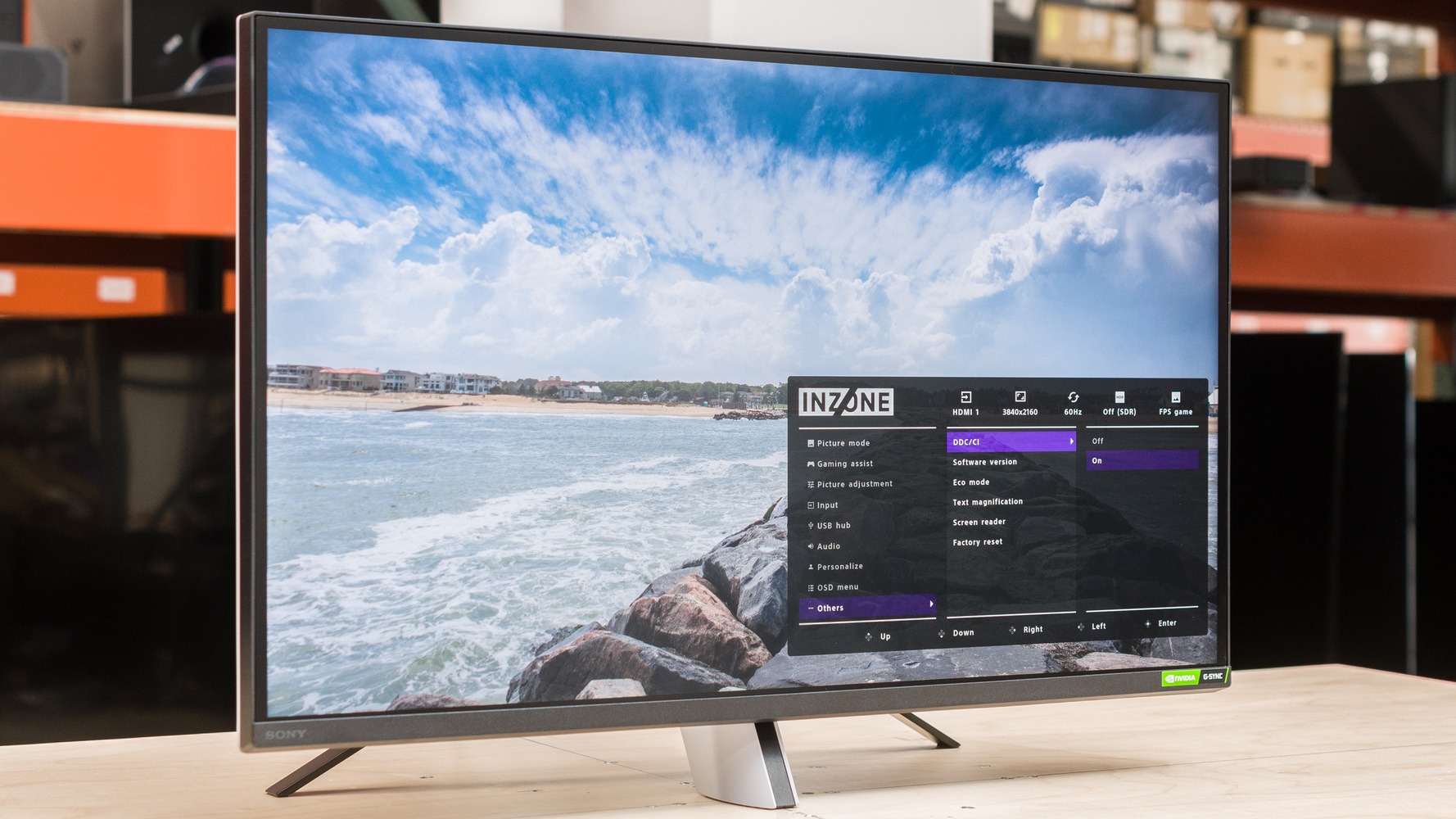
https://www.aexception.com/sony-vs-dell-monitors-the-ultimate-2025-guide-for-creatives-professionals/
For many Sony fans, a desktop setup neatly arranged with the SONY logo is not only a productivity tool, but also a sentiment: holding an A7R5 in hand, a PlayStation 5 on the table, and if you add a Sony monitor, the sense of accomplishment from having the “whole set” is instantly maximized.
However, while Sony has always held a legendary position in the professional industry, such as
the BVM monitors used by Hollywood colorists , its real push into the consumer desktop monitor market actually began with the INZONE series.
So here’s the question:
Can Sony’s consumer monitors really reach the same professional level as its cameras and video equipment?
To answer this question, we need to move beyond nostalgia and compare it with competitors. After all, in the mature and fiercely competitive computer monitor and peripheral market, established giants like Dell UltraSharp, ASUS ProArt, and Apple Studio Display have long dominated the desktops of creative professionals.
Today we’ll put the Sony INZONE M9 in the ring and see if it’s a productivity powerhouse or a high-end toy for gamers.
I. Contestants: Sony INZONE M9 vs. the Big Three Creative Monitors
To ensure a fair comparison, we selected mainstream 4K creative monitors in the same price range (approximately $700-$1000 ).
● The Sony INZONE M9
4K, 144Hz, high refresh rate, and full array local dimming (FALD) backlight
is positioned for PC/PS5 dual-purpose gamers, while also catering to color requirements.
● The Dell UltraSharp U2723QE
4K, 60Hz, IPS Black
is renowned for its accurate color and contrast, making it a perennial benchmark for office work and photo editing.
● ASUS ProArt PA279CRV
4K, 60Hz, factory professional color calibration
, the first choice for designers, known for its color accuracy and wide color gamut.
● Apple Studio Display (5K)
5K resolution, 60Hz refresh rate, ultra-high definition, excellent color management
. The most worry-free choice for Mac users.
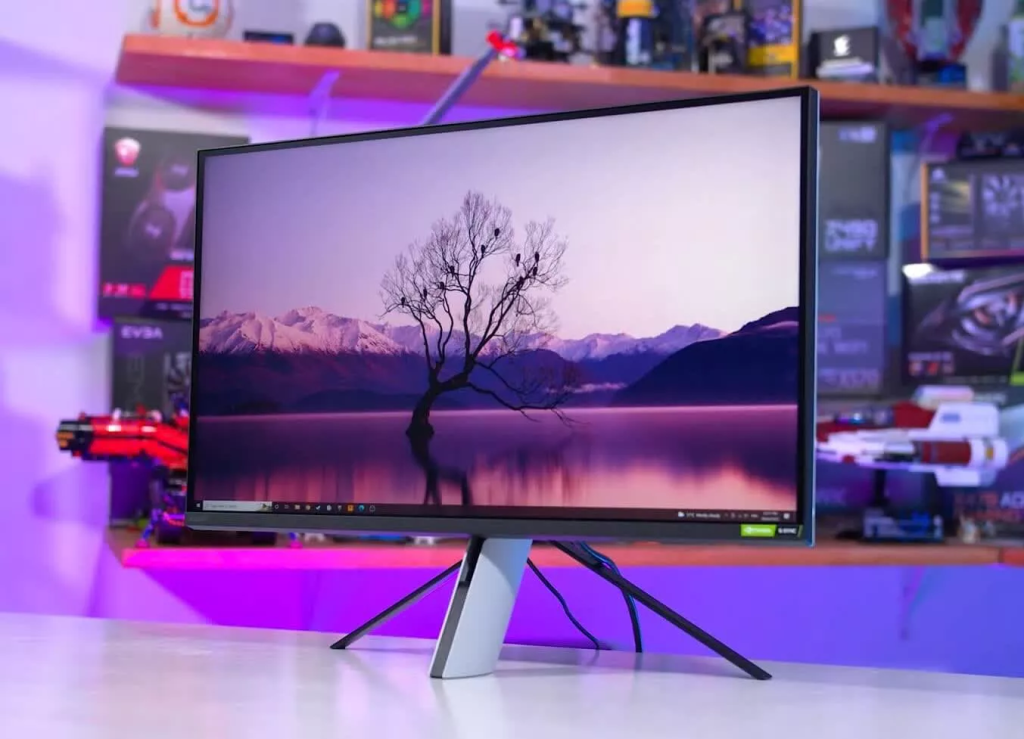
II. Color and Image Quality: Sony’s HDR is very strong, but “halo” is a major drawback.
For photographers, designers, and editors, color accuracy is the most important thing.
Sony’s strengths: HDR and very strong dynamic range.
The biggest selling point of the INZONE M9 is its FALD full-array local dimming .
Compared to Dell/ASUS’s edge-lit backlight, it can independently control the brightness of multiple areas on the screen, therefore:
The black is deeper
Brighter highlights
HDR clips are more impactful
It gets closer to the final result when editing high-contrast footage.
This is definitely a plus for video creators.
Sony’s weakness: Blooming is difficult to avoid.
However, local dimming has a persistent physical problem— halo effect .
For example:
White mouse on black background
Highlighted elements at the edges of the UI
Highlights in night scene photo retouching
A faint halo of light might appear.
For retouchers who require extremely high visual judgment, this is a distraction.
In contrast, the competitors:
Dell IPS Black: Cleaner blacks, purer details.
ASUS ProArt: Factory Delta E < 2, for more stable color reproduction.
Apple Studio Display: 5K resolution elevates detail sharpness to a whole new level.
If you are a pure visual creator, Sony is indeed not as mature as these three “big brothers” in terms of color accuracy and pixel density.
III. Appearance and Ergonomics: The PS5 looks good, but it’s not professional enough.
The Sony INZONE M9’s design continues the futuristic style of the PS5, making it highly recognizable.
advantage:
The black and white color scheme is very unique.
It has a very “tech-savvy” feel, and the desktop visual effect is quite good.
shortcoming:
That tripod-style base really takes up too much space.
High-level requirements will be a major headache for users with small desktops.
Stability is average
Not compatible with monitor light bars
In comparison:
Dell UltraSharp : Business-oriented, robust, and with an extremely flexible stand (height, rotation, flip, tilt).
ASUS ProArt : Ergonomic braces are also excellent.
Apple Studio Display : Exquisite design, but height adjustment function requires an extra charge.
If you’re a photo editor who spends long hours at your desk, the Dell/ASUS experience is noticeably more comfortable.
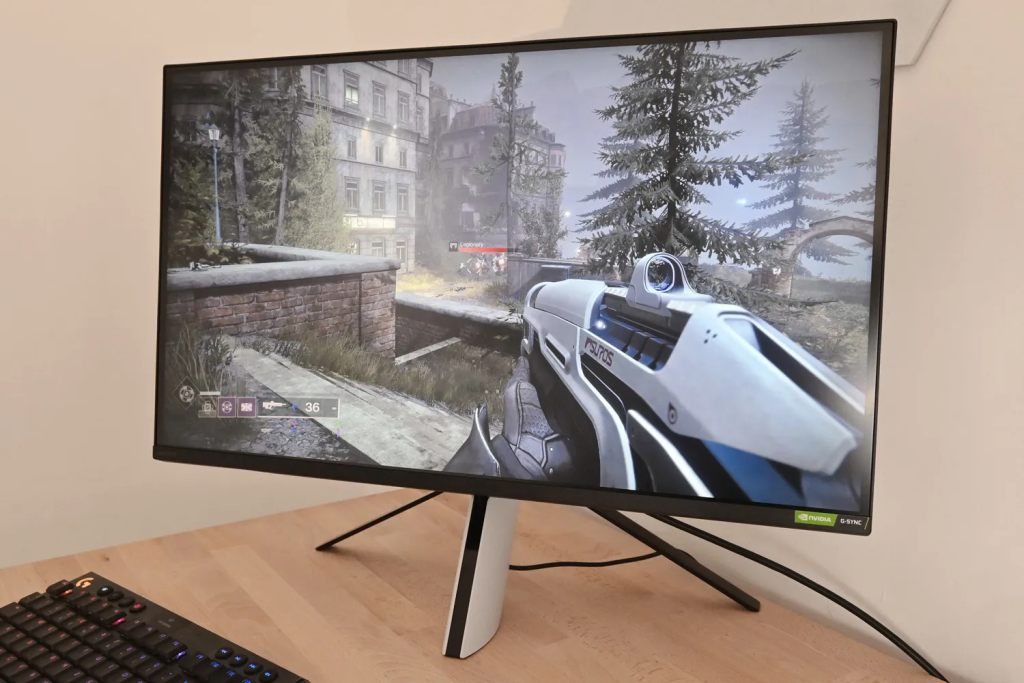
IV. Interfaces and Expansion: Sony lacks the “soul of a professional monitor”—strong expandability.
Creative workers are very concerned about workflow efficiency.
Dell UltraSharp’s expandability is unparalleled.
USB-C 90W Reverse Charge
Multi-USB-A / USB-C Hub
RJ45 network port
KVM: One keyboard and mouse for switching between two computers
It can truly achieve “solving everything with a single thread”.
The Sony INZONE M9 has obvious drawbacks:
The USB-C port only provides 15W, which is almost insufficient to power a laptop.
No KVM
Lack of professional-grade expansion hub
Too many cables will make your desktop cluttered.
Sony’s interface configuration is more like that of a gaming monitor than a creative workstation-level product.
Conclusion: Is a Sony monitor the best choice for creative work?
The answer is: It depends on which type of user you are.
Choose Sony INZONE M9 if you are:
Hybrid user (work + gaming):
Daytime photo editing, video editing, and HDR content processing;
evening gaming AAA titles on PS5/PC.
Sony’s combination of “high refresh rate + local dimming backlight + wide color gamut” is still very competitive in the same price range.
Choose Dell / Apple / ASUS if you are:
For pure creators who don’t play games,
what do you value most?
Ultimate color accuracy
Stable factory color calibration
USB-C One-Cable Connection
High pixel density (especially 5K)
Peripheral expandability
These three companies have accumulated years of experience in the creative work field, offering a more complete overall experience and lower risk.
In short:
Sony is a master of imaging, but in the desktop monitor field, the traditional powerhouse of “specialization” understands designers better.
https://www.aexception.com/sony-vs-dell-monitors-the-ultimate-2025-guide-for-creatives-professionals/