https://www.aexception.com/the-ultimate-2025-guide-to-sony-tvs-value-analysis-and-smart-home-theater-setup/
For many audiophiles, the name Sony is almost a sentimental one. Whether you first experienced “why TVs can be so clear” on a BRAVIA TV, or were first blown away by spatial audio in a Sony soundbar system, Sony’s imaging technology always seems to give you a “ah, this is the taste of high-end” experience at crucial moments.
But I’ve noticed a very interesting phenomenon:
many people spend a lot of money buying BRAVIA TVs, soundbars, and super-large screens, yet only enjoy 60% of their potential.
Why?
Because they overlook a crucial dimension that determines the viewing experience— smart technology and scene automation .
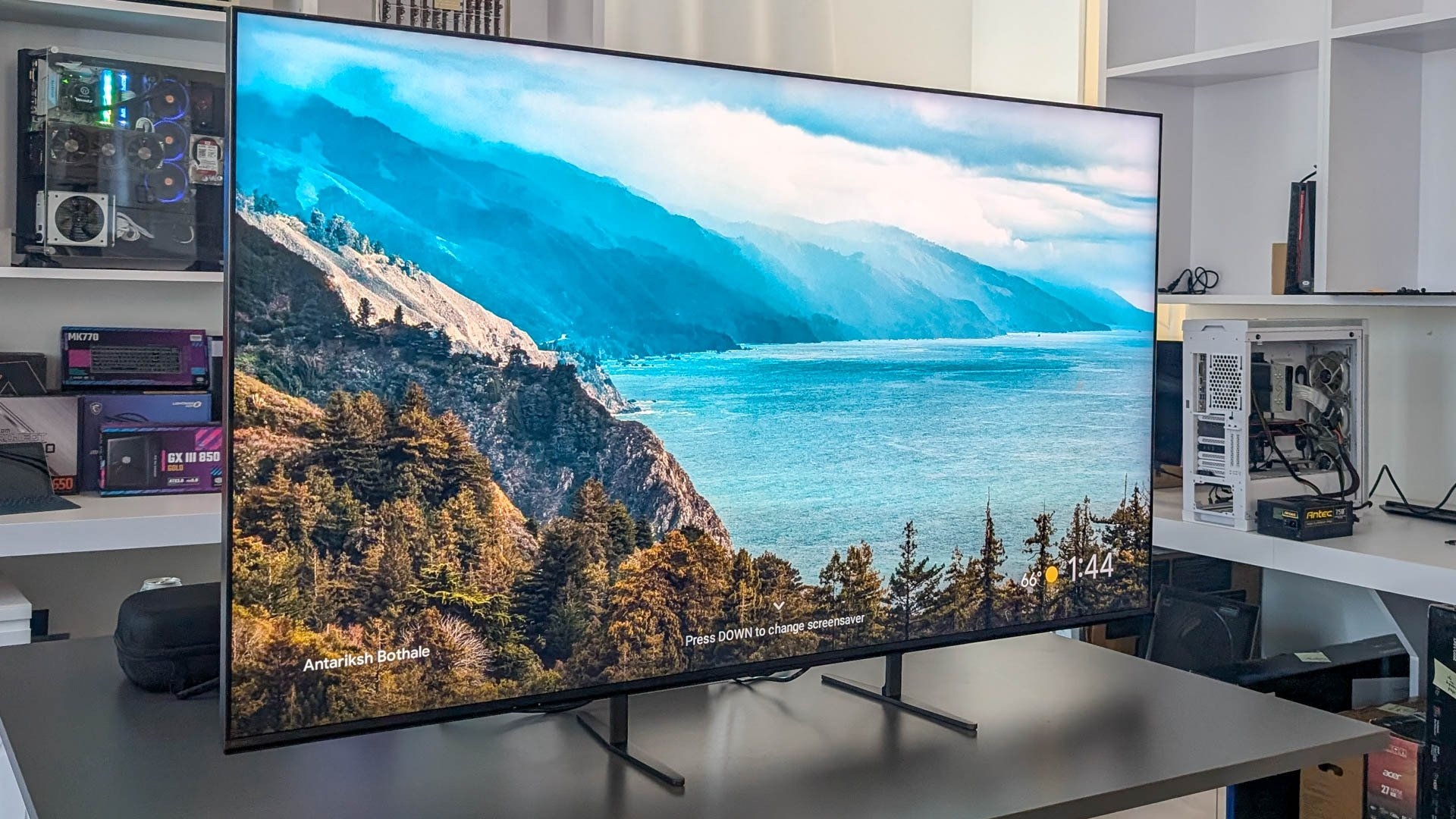
If you already have a 75-inch BRAVIA XR OLED mounted on the wall, or you’re using a flagship soundbar system like the HT-A9 or HT-A7000, then in terms of hardware, you’re very close to the “ceiling” of home theaters. But if every time you watch a movie you have to:
Manually pull the curtains
Adjusting the brightness of the lights
Switch input source
Set sound effect mode
Looking for the remote control (which is always hidden in the sofa cushions).
Frankly speaking, the experience will be cut in half.
So today, I want to focus on:
how to transform the Sony BRAVIA+ soundbar into a true, self-activating, intelligent home theater?
This isn’t a game that only ” smart home enthusiasts understand,” but rather an advanced gameplay mode that Sony has already prepared for you.
I. Sony is not just a TV, but a smart hub.
Sony’s strength lies not only in its hard power in image quality tuning, XR Cognitive Processor, brightness control, and OLED color management, but also in its never locking up its ecosystem .
Of all the audio-visual equipment I’ve encountered, Sony is one of the few that can handle both simultaneously:
Google Home
Apple HomeKit
Alexa
Home Assistant
AirPlay 2
Chromecast
Spotify Connect
HDMI-CEC + eARC end-to-end linkage
This is a brand that “fully embraces mainstream protocols”.
This means that
it doesn’t matter what smart platform you have at home; as long as you connect Sony, it can basically understand your commands.
1. Google Home: BRAVIA’s native home turf
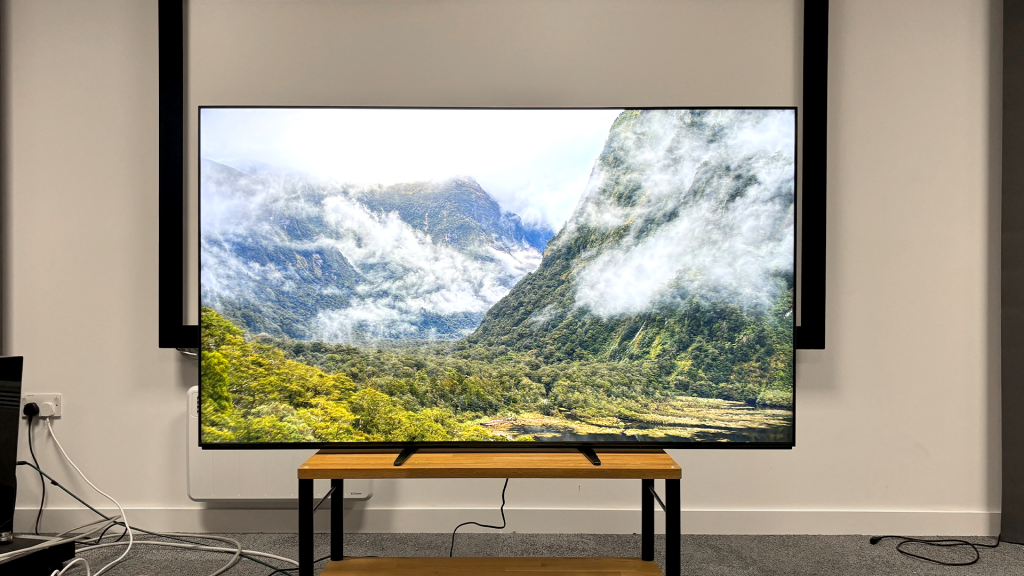
Because Sony TVs use the Google TV system, they are considered “chosen” in Google Home.
What you can do includes:
Control your TV with Siri/Google Assistant
TV as a smart home panel
Watches and mobile phones can all be used as remote controls.
Picture-in-picture access to home security camera feed
Sometimes when I hear the doorbell ring in the middle of a movie, I just need to say “Hey Google, show the front door view,” and the screen will appear directly in the corner of the TV without interrupting my viewing.
These kinds of details are truly amazing; you can only appreciate them once you’ve experienced them.
2. Apple HomeKit: Many iPhone users are unaware that Sony supports it.
Sony was one of the first non-Apple brands to join AirPlay 2 and HomeKit.
If you are an iPhone user, you can:
Control the TV on/off via the “Family” app
Switch HDMI with Siri
Set up automation:
“When I leave home → Automatically turn off the TV and stereo”
Here’s a true story:
Once, I forgot to turn off the TV when I left for work. HomeKit’s automation detected that I had left the Wi-Fi range after 10 minutes and automatically turned off the TV, saving energy and avoiding the risk of screen burn-in.
This kind of intelligence can sometimes enhance happiness more than the hardware itself.
II. Creating a “Movie Viewing Scene”: Automatically Entering Movie Mode
If you ask me what the most ritualistic part of the home theater experience is?
It’s not the sound effects, it’s not the picture quality, but rather—
the moment when the atmosphere suddenly tightens and the lights slowly dim as the movie begins.
This can be fully automated through the Sony+ smart home system.
For example, my most frequently used scenario is called:
�� Automated “Movie Time”
There are many ways to trigger this:
When BRAVIA switches to Netflix
When Disney+ launches
When the HT-A9 enters Cinema mode
When I say to the air, “I want to watch a movie”
The actions performed may include:
1. Automatic lighting changes
Philips Hue, Nanoleaf, and Yeelight can all be linked.
Main light → Off
Ambient lighting → 10%
TV backlight → Hue Sync
This feeling of “darkening but not going completely black” is very similar to a VIP box in a high-end movie theater.
2. The curtains close automatically.
Avoid OLED glare and improve contrast in dark areas.
Sometimes when I’m watching a show in the afternoon and the sunlight is particularly strong, I just say, “Hey Siri, watch a movie,” and the curtains slowly close like a stage curtain. This “dramatic change” really makes getting into the movie-watching mood several times faster.
3. Switch the air conditioner to silent mode.
Reduce wind noise interference with the sound field localization of the BRAVIA + soundbar.
4. The soundbar automatically switches to movie sound effects.
The HT-A9, HT-A7000, and A5000 can all automatically enter Cinema mode and enable 3D Spatial Sound Mapping.
5. Automatically mute your phone.
This is one of my favorite features:
TV starts a movie scene → My iPhone automatically enters Focus Mode.
Completely undisturbed.
III. The True Potential of Sony Soundbars: Whole-House Music Centers
Many people only use Sony speakers as home theater equipment, but in fact their multi-room wireless audio capabilities are very strong .
Almost all Sony Bluetooth speakers, such as the HT-A9, HT-A7000, or smaller models (like the SRS series), support this feature.
Wi-Fi audio
Spotify Connect
Chromecast Built-in
AirPlay 2 multi-room mode
I have a very common way of using it:
“Music Flow”
I wear my Sony LinkBuds S to listen to music when I go out, and when I get home, I just need to tap “switch to living room” on Spotify, and the HT-A9 will take over the playback, and it will be in Wi-Fi high-resolution audio quality.
It’s not the compressed feeling of ordinary Bluetooth, but true high-definition streaming.
The whole process was so smooth that I even forgot about the “sound source switching”.
IV. Television can also be part of security.
You may not realize it, but Sony TV+ smart system brings not only entertainment, but also a sense of security.
1. Simulate someone being home while away from home.
When you set “Away Mode”:
Sony TVs will randomly play news or YouTube videos in the evening.
The lights will also simulate human activity.
This is particularly effective for preventing theft.
Fifth, this is not just a home theater, but a “smart theater” that understands you.
If you asked me to summarize the core advantages of the Sony BRAVIA + soundbar + smart home integration, I would say two things:
Sony delivers a top-tier sensory experience:
The picture quality, sound effects, and immersive experience are impeccable.
Smart home technology offers a top-notch user experience:
No thinking, no waiting, no fussing.
When the two are combined, your living room is no longer just a collection of hardware, but rather:
We will help you prepare the movie-watching atmosphere.
It will automatically adjust according to your lifestyle.
It will turn off the device when you leave home.
It will activate the 3D sound field when you need it.
It will automatically switch rooms while you play music.
This is the true meaning of “immersive smart home theater”.
It’s not that it’s more expensive, but that it understands you better.
If you already own a Sony BRAVIA or are considering upgrading your home theater, don’t just treat it as a TV or a sound system—
make it the smartest, most considerate, and most ambiance-savvy “intelligent theater” in your home.
https://www.aexception.com/the-ultimate-2025-guide-to-sony-tvs-value-analysis-and-smart-home-theater-setup/