https://www.aexception.com/sony-vs-dell-monitors-the-ultimate-2025-guide-for-creatives-professionals/
If you’re a die-hard Sony fan, you probably understand my strange obsession: I have a PS5 on my desk, a Sony Alpha mirrorless camera next to it, but when I first connect it to a non-Sony monitor, I always feel like something’s “off.”
It’s hard to explain, like wearing a complete black and white outfit but suddenly putting on a bright orange sock—it’s not that it’s bad, but it just doesn’t feel right.
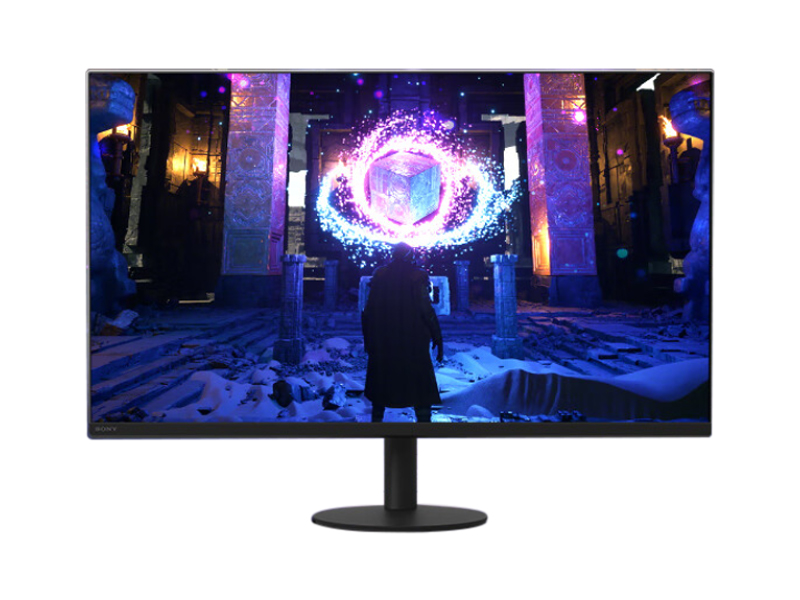
After Sony returned to the consumer monitor market with its INZONE series, this sense of “unity of faith” was further amplified. Especially flagship products like the INZONE M9, featuring full-array local dimming (FALD) backlighting and PS5 compatibility , are undeniably attractive to gamers and content creators.
However, if we remove the filters and set aside the “faith” factor, and simply consider professional productivity, office experience, color accuracy, and desktop tidiness , can Sony’s INZONE series truly outperform Dell in every aspect?
I have to say: not necessarily.
Especially when I turn my attention back to the mature Dell professional computer monitor market , you’ll find that the professional reputation this long-established PC giant has built up over the past decade or so wasn’t built on marketing—it still has a truly deep moat in terms of color management, ergonomics, connectivity, and reliability.
In 2025, when a Sony INZONE, centered on “gaming and entertainment,” meets a Dell UltraSharp, aimed at “precise office work and professional creation,” you might find yourself in the same dilemma as me:
which side should creators and ordinary workers take?
Below, I will break down the experience of both, from “image quality philosophy” to “refresh rate”, “expandability” and even “desktop space”, and explain them clearly in one go, based on my own actual user experience.
I. A head-on clash of image quality philosophies: Local dimming backlighting vs. IPS Black
If we compare the experience of a monitor to “visual taste,” then Sony and Dell are using completely different cooking methods.
Their respective pursuits of “good visuals” are based on completely different philosophies.
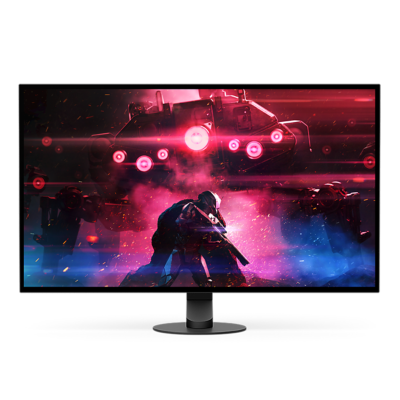
Sony INZONE M9: Pursuing a Stronger “Dynamic Range Impact”
Sony is clever; it directly brought the most mature technology from televisions to monitors—
Full Array Local Dimming (FALD).
This is a very powerful technique in HDR or high-light/low-light contrast scenes.
● What are the advantages?
Simply put: brighter brighter, darker darker.
When playing HDR games like God of War and Horizon Zero Dawn or watching movies with high dynamic range, INZONE’s performance is extremely impressive—the brightness punch of flames, sunlight, and metallic reflections is an effect that IPS panels simply cannot achieve.
● But there are also significant problems: Blooming
This is a problem you’ll immediately notice if you’ve ever edited photos or adjusted colors—when you move the mouse over a dark background, a faint glowing halo may appear around it.
This “brighter areas not being able to suppress the light” is an unacceptable interference for professional photo editing.
When I first edited Lightroom in INZONE, I was genuinely surprised: “Huh, why is this area… brighter?”
For a moment, I even wondered if it was something wrong with my eyes.
So a very realistic point is:
Sony’s HDR is very powerful, but it wasn’t designed for “absolutely clean images”.
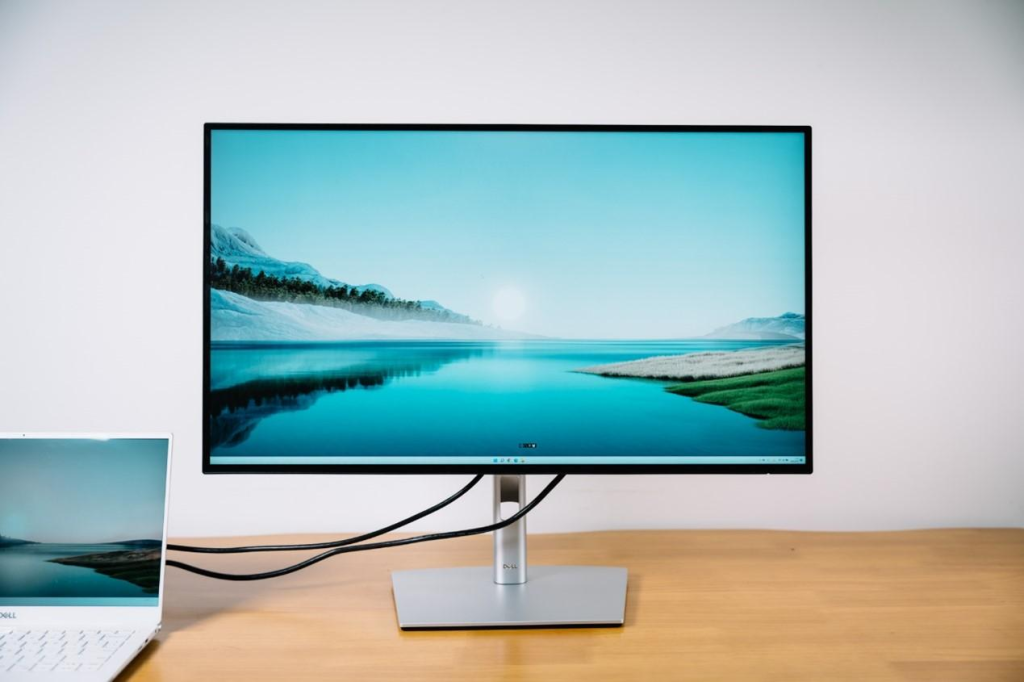
Dell UltraSharp Series (U2723QE / U3223QE): Pursuing “Purity + Accuracy + Long-Term Comfort”
Dell’s visual philosophy takes a different approach:
Precision is more important than impact, and stability is more important than brightness.
It uses LG’s latest IPS Black panel—one of the most talked-about technologies in the professional monitor community over the past two years.
● Advantage 1: Deeper blacks, no halo interference.
The contrast ratio has been improved to 2000:1 , which is a qualitative leap for IPS.
Blacks are no longer a grayish blur, but a clean and stable deep black.
Most importantly,
it doesn’t have that halo effect of FALD.
The image is so pure it’s like it’s covered by a layer of transparent glass.
● Advantage 2: Near-perfect color consistency.
Dell’s color calibration is incredibly stable, achieving very high Delta E accuracy right out of the box.
This is a daily joy for creators.
● Advantage 3: Eye-friendly for long-term office work.
The overall brightness, contrast, and smooth color transitions of IPS Black make it an ideal screen for “daily long-term reading/writing/programming”.
When I write articles on Dell, my eyes feel much more relaxed, and I don’t experience any eye strain from the HDR effect.
II. Refresh Rate: The “Irreversible” Feeling of 144Hz
This is one of Sony’s strong projects.
Sony: 144Hz + HDMI 2.1 is the killer feature for the experience.
Even if you don’t play games, the 144Hz desktop operation experience will be addictive:
The mouse cursor moves as if floating on silk.
No more webpage jittering!
Dragging the window becomes smooth and fluid.
I remember the first time I switched from 60Hz to 144Hz, I even doubted how I could have tolerated 60Hz for so many years.
If you’re used to high refresh rates, Sony’s experience will definitely be “addictive”.
Dell: Sticking to 60Hz, stable but conservative.
It’s 2025, and Dell’s U series is still sticking with 60Hz.
Of course, if you’re a photo editor, video colorist, or programmer, 60Hz is perfectly adequate, and for the sake of color accuracy, they really don’t need to risk increasing the refresh rate.
But the problem is:
Once you’ve used a high refresh rate, going back to Dell will feel a noticeable “stuttering”.
Especially for MacBook Pro users who are used to ProMotion 120Hz, switching to a Dell… will suddenly make you feel like the world is a beat slower.
Therefore, Sony wins hands down in this respect.
III. Expandability and Desktop Clutter: Dell Completely Outperforms Sony
If you are an office worker, a creator, or a laptop user, this section can almost directly determine your choice.
Dell: Essentially, it’s “buy a docking station and get a monitor for free”.
The UltraSharp series is really ruthless.
● USB-C 90W Reverse Charging
– One cable for your laptop:
powered by
video
external hard drive
External keyboard and mouse
wired network
● Built-in full USB hub
with multiple USB-A, USB-C, DP, HDMI ports, and even an RJ45 network port , making it usable as a small docking station.
● KVM functionality
allows you to control your PC, laptop, and MacBook with the same keyboard and mouse.
This is an amazing experience for users who use two computers simultaneously.
When I first used Dell’s KVM, I really had a feeling of “why did I have to keep switching between two devices before?”
Sony INZONE: HDMI 2.1 is strong, but its expandability is too weak.
Sony’s interface is clearly designed for PS5 and PC gamers .
It has USB-C, but the charging power is very low (around 15W).
The MacBook Pro cannot be powered by it.
An additional laptop power cord is required.
Lack of high-specification USB hub
No KVM
While tripods look nice, they take up valuable desk space and limit their placement.
If you have limited desk space, Sony’s stand can be incredibly frustrating.
Fourth, my final advice: Choose based on usage scenarios, not brand sentiment.
There is no absolute winner in this competition; it depends entirely on your work nature, desktop habits, and the proportion of your leisure time.
Select Sony INZONE if you belong to one of the following types:
I spend my days creating graphics and videos, and my nights playing games intensely.
You value HDR effects very much.
You need the smoothness that 144Hz brings.
Are you a PS5 player?
Do you like visually striking images?
You value entertainment more than long hours at work.
Sony = The Sweet Spot for Gamers + Light Creators
Choose Dell UltraSharp if you are:
Graphic designer
Photo Post-Production Technician
programmer
Copywriter, writer, editor
Staring at documents for long periods of time
Sensitive to color consistency
A clean desktop and a “one-line connection” are required.
I frequently switch between laptops and desktops.
Dell = The perfect choice for professional creation and efficient office work.
In summary: Sony represents “passion,” while Dell represents “reliability.”
If I had to summarize it in one sentence:
Sony’s motto is “I want to experience the best visuals,”
while Dell’s motto is “I want the most stable, longest-lasting, and most user-friendly office experience.”
Neither is inherently superior; it’s simply a matter of which is better suited to your daily workflow.
https://www.aexception.com/sony-vs-dell-monitors-the-ultimate-2025-guide-for-creatives-professionals/